
Views: 0 Author: Site Editor Publish Time: 2025-12-18 Origin: Site


Are your LED lights flickering unexpectedly? You're not alone. Many people experience this frustrating issue with their lighting.
Understanding why LED lights flicker is essential for maintaining a comfortable environment. In this article, we’ll explore common causes of flickering and provide practical solutions to help you resolve these problems effectively.
LED lights, or Light Emitting Diodes, are a type of solid-state lighting. They generate light when an electrical current passes through a semiconductor material. This technology differs significantly from traditional lighting options, such as incandescent and fluorescent bulbs.
Lighting Type |
How It Works |
Lifespan |
Energy Efficiency |
Incandescent |
Heats a filament to produce light |
1,000 hours |
Low |
Fluorescent |
Uses gas and phosphor coating |
7,000 hours |
Moderate |
LED |
Emits light from a semiconductor |
25,000+ hours |
High |
LED lights offer numerous advantages that make them a popular choice for both residential and commercial use.
1. Energy Efficiency and Cost Savings
LED lights consume significantly less energy compared to traditional bulbs. For instance, they use up to 80% less electricity than incandescent bulbs. This not only reduces energy bills but also lowers your carbon footprint. Over time, the savings can be substantial.
2. Longevity and Durability
One of the standout features of LED lights is their impressive lifespan. While incandescent bulbs last about 1,000 hours, LED lights can last over 25,000 hours. This means fewer replacements and less hassle for you. Additionally, LEDs are more durable because they are made from solid materials, making them resistant to shocks and vibrations.
3. Environmental Impact
Using LED lights contributes to a greener planet. They contain no hazardous materials, unlike some fluorescent bulbs that contain mercury. By choosing LEDs, you help reduce waste and promote sustainable practices. Plus, their energy efficiency means less demand on power plants, leading to lower greenhouse gas emissions.
In summary, LED lights are an innovative lighting solution that combines efficiency, longevity, and environmental friendliness. As we continue to explore flickering issues, understanding the fundamentals of LED technology is crucial.
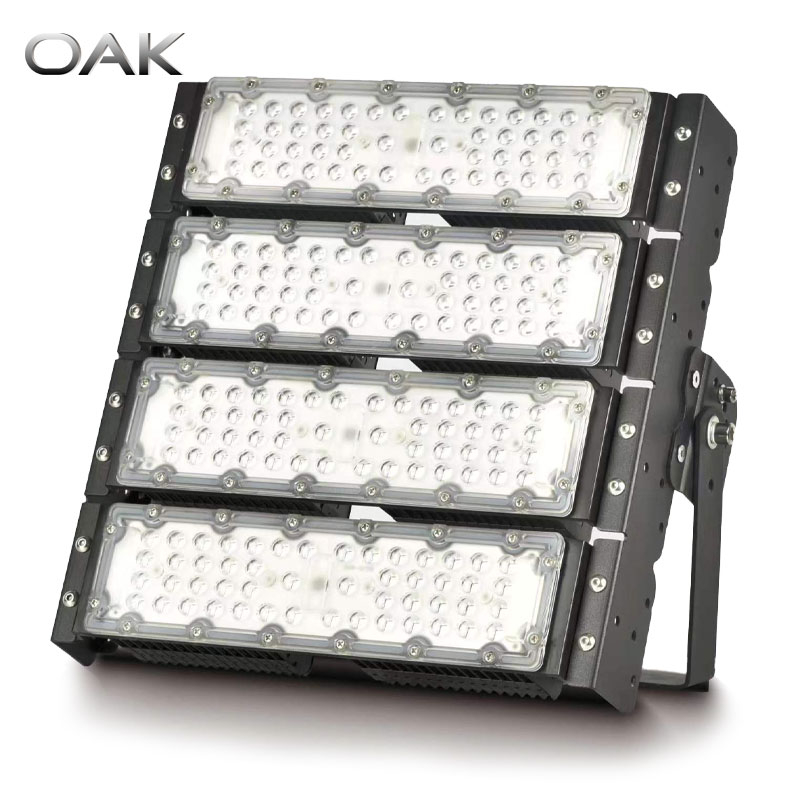
Many homes use traditional dimmers designed for incandescent bulbs. These dimmers work by reducing the voltage supplied to the light. However, they may not be compatible with LED technology. This incompatibility can cause flickering or pulsing in LED lights.
Signs of Dimmer Incompatibility:
● Flickering or inconsistent brightness when dimmed.
● Buzzing or humming sounds from the dimmer switch.
● LEDs turning off unexpectedly.
To avoid these issues, consider using compatible dimmers. Recommended options include the Lutron Diva and Leviton Decora, both designed to work seamlessly with LED lights.
Dimmer Brand |
Compatibility |
Key Features |
Lutron Diva |
LED, Incandescent |
Smooth dimming, easy installation |
Leviton Decora |
LED, Incandescent |
Multi-location control, stylish design |
Voltage fluctuations can significantly impact LED performance. These fluctuations often occur when large appliances, like refrigerators or air conditioners, cycle on and off. When these devices draw power, they can cause momentary dips in voltage, leading to flickering in your LED lights.
Indicators of Voltage-Related Flickering:
● Flickering coinciding with the operation of large appliances.
● Dimming or brightening of lights when other devices are used.
If you suspect voltage issues, using a voltage regulator can help stabilize the current. Brands like Tripp Lite offer reliable voltage regulation solutions.
Voltage Regulator Brand |
Features |
Benefits |
Tripp Lite |
Automatic voltage regulation |
Protects against power surges |
APC |
Line interactive technology |
Maintains consistent voltage levels |
Secure connections are crucial for the proper functioning of LED lights. Loose bulbs in their sockets or poor wiring connections can lead to flickering. Inadequate contact can interrupt the flow of electricity, causing lights to flicker or turn off.
Tips for Checking Connections:
● Ensure bulbs are tightly screwed into their sockets.
● Inspect wiring at switches and junction boxes for tight connections.
● Look for any signs of corrosion or damage on connections.
The quality of components used in LED lights plays a significant role in their performance. Low-quality LED drivers and capacitors can lead to flickering and reduced lifespan. As these components age, they may fail, causing inconsistent light output.
Signs of Component Failure:
● Flickering that worsens over time.
● Dimming lights that do not brighten consistently.
● Visible damage to the LED driver or capacitors.
For reliable performance, consider using LED lights from reputable brands known for quality components, such as Meanwell and Inventronics.
Heat is another critical factor affecting LED performance. LEDs generate heat during operation, and if they are installed in enclosed fixtures without proper ventilation, this can lead to overheating. Overheating can cause flickering and may even damage the LEDs over time.
Signs of Overheating:
● Lights flickering after prolonged use.
● Warm or hot fixtures when touched.
● Discoloration or warping of the fixture housing.
To prevent overheating, choose fixtures made from materials that dissipate heat effectively, such as die-cast aluminum. This helps maintain optimal performance and prolongs the lifespan of your LED lights.
Flickering LED lights can sometimes signal serious safety issues, particularly fire hazards. One common problem is electrical arcing, which occurs when electricity jumps between loose connections. This can generate heat and potentially ignite surrounding materials, leading to dangerous fires.
Signs of Arcing:
● Frequent flickering or buzzing sounds.
● Burn marks or discoloration around sockets.
● A burning smell coming from fixtures.
Another concern is overloaded circuits. When too many devices draw power from a single circuit, it can lead to overheating and flickering lights. This situation not only affects your lights but can also damage your electrical system.
Indicators of Overloaded Circuits:
● Lights dimming or flickering when other appliances are in use.
● Frequent tripped circuit breakers.
● Warm or hot switches and outlets.
Addressing flickering promptly is crucial. Ignoring these signs can lead to severe consequences, including electrical fires.
Sometimes, flickering LED lights indicate a problem that requires professional attention. Knowing when to call an electrician can save you from potential hazards. Here are some indicators that professional help is needed:
● Persistent Flickering: If your lights flicker consistently, it may signal underlying electrical issues.
● Unusual Sounds: Any buzzing or popping noises coming from fixtures or outlets should not be ignored.
● Burning Smells: If you notice any burning odors, it’s time to turn off the power and call a professional.
While DIY repairs can be tempting, they often come with risks. Electrical systems can be complicated, and improper handling can lead to serious injuries or further damage.
DIY Risks |
Potential Consequences |
Incorrect wiring |
Electrical shock or fire hazards |
Overestimating your skills |
Damage to electrical components |
Failing to follow safety protocols |
Injury to yourself or others |
In summary, understanding the safety warnings related to flickering LED lights is essential. By recognizing the signs of arcing, overloaded circuits, and knowing when to seek professional help, you can ensure a safer environment in your home.
If your LED lights are flickering, there are several quick steps you can take to identify and resolve the issue effectively. Flickering can be annoying and may indicate underlying problems, so it's essential to address it promptly.
One of the simplest fixes is to ensure that the bulbs are securely tightened in their sockets. Loose bulbs can cause intermittent connections, leading to flickering. To check, start by turning off the power to the fixture to avoid any electrical hazards. Once the power is off, wait for the bulb to cool down before touching it. Then, gently twist the bulb firmly into place until it feels snug. This small adjustment can often solve the problem and restore stable lighting. Remember, a secure connection ensures that electricity flows consistently, preventing flickering from loose contacts.
Next, you should check if your dimmer switch is compatible with LED technology. Many older dimmers are not designed for LEDs, which can cause flickering and inconsistent brightness. To test compatibility, try replacing the dimmer with a newer model specifically designed for LED lights, such as the Lutron Diva or Leviton Decora. These modern dimmers have features that accommodate the lower wattage and unique electrical characteristics of LED lights, ensuring smooth operation. If replacing the dimmer resolves the flickering, you’ll not only improve your lighting experience but also extend the lifespan of your LED bulbs.
Dimmer Model |
Compatibility |
Notes |
Lutron Diva |
LED, Incandescent |
Smooth dimming, reliable |
Leviton Decora |
LED, Incandescent |
Multi-location control |
If the flickering persists after tightening the bulb, try swapping the suspected bulb with one from another fixture that you know is working correctly. This simple test helps determine if the issue lies with the bulb itself. If the new bulb flickers in the same fixture, the problem may be related to the fixture or wiring, indicating deeper electrical issues. However, if the swapped bulb works fine, it suggests that the original bulb may indeed be defective. In this case, consider replacing the flickering bulb with a new one from a reputable brand to ensure quality and performance.
Observe when the flickering occurs. Does it happen during specific times, such as when certain appliances are in use? This can indicate voltage fluctuations caused by those devices drawing power from the same circuit. Keeping a record of when flickering occurs can help identify patterns, such as flickering coinciding with the operation of high-wattage appliances like refrigerators or air conditioners. Understanding these patterns can guide you in troubleshooting further, allowing you to address potential circuit overloads or seek professional help if necessary.
If basic troubleshooting doesn’t resolve the flickering, you may need to delve deeper into the electrical system. Advanced troubleshooting techniques can help identify more complex issues that require attention.
Start by inspecting the LED driver, which regulates power to the lights. A faulty driver can cause flickering, as it may not provide a consistent voltage output. Look for signs of damage, such as burn marks, unusual noises, or overheating. If the driver is malfunctioning, replacing it may solve the issue. Always ensure that the replacement driver is compatible with your LED lights to maintain optimal performance. If you're unsure how to check the driver, consider consulting the manufacturer’s specifications or seeking professional assistance.
Next, examine the LED chips themselves. Damage or defects in the chips can lead to flickering, so it’s essential to inspect them closely. Look for discoloration, physical damage, or signs of burning on the chips, which could indicate failure. If you notice any issues, consider replacing the LED light entirely. High-quality LED lights are designed to last, but even the best can fail due to manufacturing defects or excessive heat exposure. Always opt for products from reputable brands known for their quality to minimize the risk of issues.
Using a multimeter, check the voltage levels supplied to the LED fixture. This step is crucial if you suspect voltage fluctuations. The voltage should be stable; significant variations may indicate a problem with your electrical system. To perform this test, set your multimeter to measure AC voltage, then carefully probe the wires leading to the fixture. If you find that the voltage is outside the acceptable range (typically between 110-120 volts for standard fixtures), it may signal an issue with your home’s wiring or the circuit. In such cases, it’s advisable to consult a licensed electrician to ensure safety and proper diagnosis.
Testing Method |
Tools Needed |
Purpose |
Driver Inspection |
Visual inspection |
Identify damage or faults |
LED Chip Check |
Visual inspection |
Detect physical damage |
Voltage Testing |
Multimeter |
Verify stable voltage levels |
By following these troubleshooting steps and techniques, you can effectively identify and potentially resolve flickering issues in your LED lights, ensuring a safer and more enjoyable lighting experience in your home.
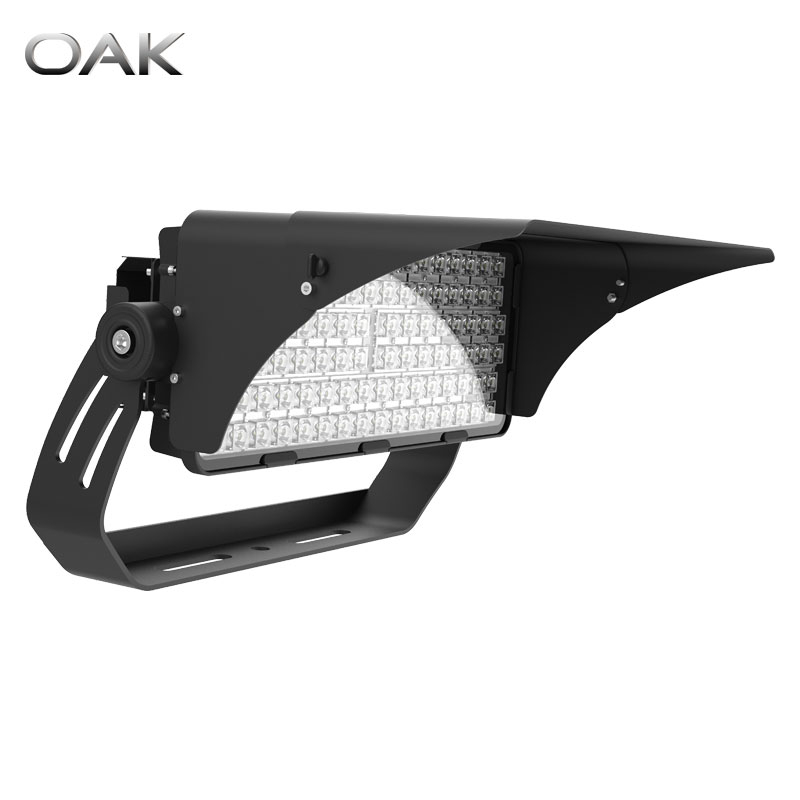
When it comes to preventing flickering in LED lights, choosing quality fixtures is crucial. Selecting reputable brands ensures you get products designed to last and perform reliably. High-quality LED lights typically feature better components, which significantly reduces the chances of flickering.
When shopping for LED lights, keep an eye out for specific features that indicate quality. Look for:
● High Luminous Efficiency: This means the light produces more brightness while consuming less energy, which is essential for both performance and cost savings.
● IP Ratings: An Ingress Protection (IP) rating indicates how well the fixture resists dust and moisture. Higher ratings (like IP65) are ideal for areas exposed to elements.
● Long Lifespan: Quality LEDs should last at least 15,000 hours or more, reducing the need for frequent replacements.
Some recommended brands for reliable LED lights include OAK LED, Philips, and Cree. These manufacturers are known for their commitment to quality, innovation, and customer satisfaction.
Brand |
Key Features |
Why Choose This Brand? |
OAK LED |
High efficiency, long lifespan |
Excellent performance and durability |
Philips |
Wide range of products, smart options |
Trusted brand with innovative technology |
Cree |
Exceptional color quality, energy-efficient |
Industry leader in LED technology |
Proper installation is vital to ensure your LED lights function correctly and avoid flickering. Following manufacturer instructions is essential for safe and effective installation.
● Read the Manual: Always refer to the product manual for specific installation guidelines. Each fixture may have unique requirements.
● Use the Right Tools: Ensure you have the necessary tools for installation, such as screwdrivers and wire connectors. Using the correct tools can prevent damage to the fixture.
● Secure Connections: Make sure all electrical connections are secure and properly insulated. Loose connections can lead to flickering and other electrical issues.
By adhering to these installation practices, you can help ensure that your LED lights operate smoothly and efficiently.
Regular maintenance is key to keeping your LED lights flicker-free and functioning well over time. Simple upkeep can extend the life of your fixtures and enhance their performance.
Dust and debris can accumulate on LED fixtures, affecting their brightness and causing flickering. Regularly cleaning your lights can help maintain optimal performance. Use a soft, dry cloth to gently wipe the surfaces, avoiding harsh chemicals that could damage the finish.
In addition to cleaning, periodically check connections and components for wear and tear. Look for any signs of corrosion, loose wires, or damaged components. Addressing these issues promptly can prevent more significant problems down the line.
Maintenance Task |
Frequency |
Purpose |
Clean fixtures |
Monthly |
Prevent dust buildup |
Inspect connections |
Every 3-6 months |
Ensure secure electrical connections |
Check for damage |
Annually |
Identify and replace worn components |
By implementing these preventive measures, you can significantly reduce the risk of flickering in your LED lights, ensuring a bright and consistent lighting experience in your home.
In this article, we explored why LED lights flicker. Key points include checking bulb connections, dimmer compatibility, and choosing quality fixtures. Proper installation and regular maintenance are essential for preventing flickering.
If you experience flickering, take action to address it promptly. Feel free to share your experiences or ask questions in the comments below. Your insights can help others facing similar issues!
A: Yes, flickering can indicate electrical issues that may lead to damage or fire hazards.
A: LED lights usually last between 15,000 to 50,000 hours, depending on quality and usage.
A: Check bulb connections, test dimmers, and consider replacing faulty bulbs or fixtures.
A: Yes, brands like OAK LED, Philips, and Cree are known for their quality and reliability.


